
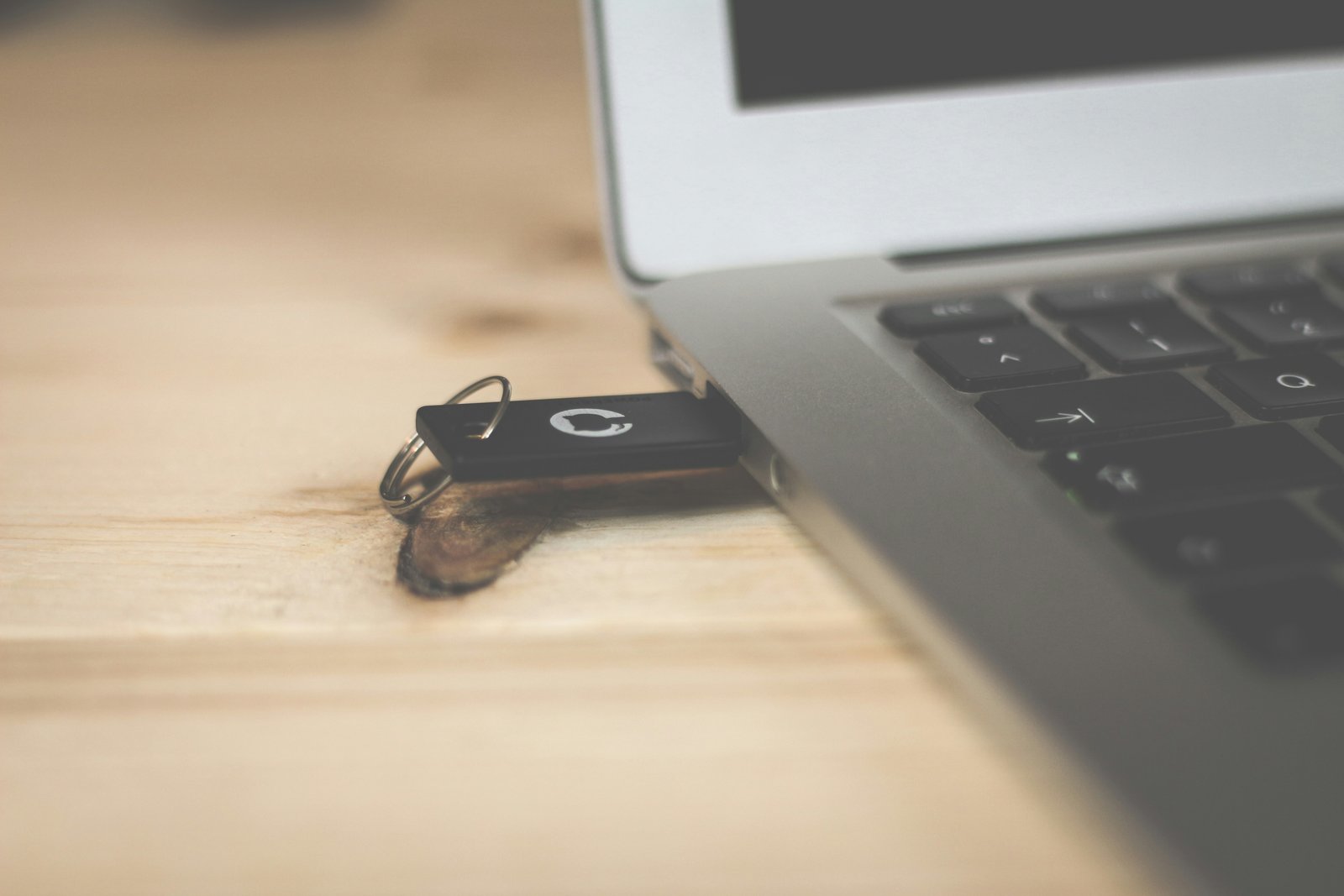
The Mysterious USB Drive: Don't Plug In the Unknown
A seemingly harmless USB drive found in a parking lot can be a cybercriminal's most powerful weapon — silently stealing data, installing malware, or locking down entire networks. This scenario teaches you how to recognize and respond to USB-based attacks before they cause serious damage.
A seemingly harmless USB drive found in a parking lot can be a cybercriminal's most powerful weapon — silently stealing data, installing malware, or locking down entire networks. This scenario teaches you how to recognize and respond to USB-based attacks before they cause serious damage.
A Monday Morning Mistake
It was a crisp Monday morning when Khalid Al-Rashidi, a junior accountant at a mid-sized logistics company in Riyadh, pulled into the office parking lot. As he stepped out of his car, something caught his eye — a small, black USB drive lying near the building entrance, with a handwritten label that read: "Employee Salaries – Q1 2024".
Khalid's curiosity immediately spiked. Whose drive is this? Maybe someone dropped it rushing to a meeting. I should check what's on it and return it to the right person. He picked it up and slipped it into his pocket.
At his desk, without a second thought, Khalid plugged the USB drive into his work laptop. A loading spinner appeared briefly, and then — nothing. No files, no folder, no window popped up. He shrugged it off, assuming the drive was empty or corrupted, and pulled it out.
The moment that USB drive was inserted, a hidden script executed automatically in the background. Within seconds, a Remote Access Trojan (RAT) was silently installed on his machine — giving an attacker full control over his computer, his files, and potentially the company's internal network.
Three days later, the company's IT Security Manager, Nora Khaled, received an alert from the endpoint security system. Unusual outbound traffic had been detected from Khalid's workstation — gigabytes of data being quietly transmitted to an unknown server overseas. When she traced the origin, she found the culprit: a malicious USB drive dropped deliberately in the parking lot.
The Attacker's Strategy
This technique is known as a "USB Drop Attack" — and it's devastatingly effective. Cybercriminals carefully craft these drives and leave them in places where employees are likely to find them: parking lots, office lobbies, conference rooms, even restrooms. They exploit one of the most powerful human emotions: curiosity.
Labels like "Salary Information," "Confidential," "HR Records," or "Management Strategy" are deliberately chosen to make you feel you've stumbled upon something important. This is social engineering — manipulating human psychology rather than hacking technology.
What Can a Malicious USB Do?
- Install malware or ransomware — encrypting your files and demanding payment
- Create backdoors — giving attackers persistent remote access
- Log your keystrokes — capturing passwords, banking info, and messages
- Act as a "Rubber Ducky" — impersonating a keyboard and typing malicious commands at superhuman speed
- Destroy hardware — "USB Killers" send power surges that fry your computer's components permanently
According to a study by the University of Illinois Urbana-Champaign, researchers dropped 297 USB drives across a university campus — 98% were picked up, and 45% were plugged into computers within minutes. IBM's X-Force Red team has confirmed USB drop attacks as one of the most successful physical penetration testing techniques used against organizations today. The 2010 Stuxnet attack — which targeted Iranian nuclear facilities — was initially delivered via a USB drive.
The Aftermath
Nora immediately isolated Khalid's workstation from the network, wiped the device, and initiated an emergency security audit. The damage was contained — but barely. The attacker had managed to exfiltrate client contracts and internal pricing data before detection. The company faced weeks of remediation work, a regulatory inquiry, and a deeply embarrassed employee who simply wanted to help return a lost drive.
"I had no idea a USB drive could do all of that," Khalid said during the incident review. "It looked completely normal."
That's exactly what attackers count on.
Lesson: How to Protect Yourself from USB Drive Attacks
USB drive attacks are alarmingly simple to execute yet capable of causing catastrophic damage. The good news: they are also among the easiest attacks to prevent once you know what to look for.
The Golden Rule
If you find a USB drive anywhere — a parking lot, a meeting room, a reception desk, or even inside a sealed envelope — treat it as potentially dangerous. No matter how tempting the label is, do not insert it into any device. Hand it over to your IT Security team immediately.
Recognizing USB Attack Scenarios
| Scenario | Red Flag | Correct Action |
|---|---|---|
| USB found in parking lot or lobby | Enticing label (salaries, confidential) | Do not plug in — report to IT immediately |
| USB received as a promotional gift | Unknown vendor or unsolicited delivery | Never use it; have IT scan it in a sandbox first |
| Colleague's USB drive borrowed casually | You don't know its history or origin | Use approved cloud sharing instead |
| USB mailed to the office with no sender info | Anonymous or suspicious packaging | Treat as physical threat — escalate to security |
| Your own USB used in a public computer | Public machines may be compromised | Avoid; use secure cloud services for file transfer |
Prevention Checklist
- 🚫 Never plug in unknown USB devices — curiosity is the attacker's greatest tool against you
- 📢 Report found USB drives to your IT or security team — they have tools to safely analyze them
- ☁️ Use approved cloud platforms (SharePoint, Google Drive, OneDrive) for file transfers instead of physical drives
- 🔒 Lock your computer when away from your desk — USB attacks also happen physically when you're not watching
- ⚙️ Ask your IT team to disable USB ports on corporate machines where removable media isn't needed
- 🛡️ Keep your antivirus and OS updated — modern security tools can detect many (but not all) malicious USB payloads
- 📚 Complete regular security awareness training — the more you know, the harder you are to deceive
A found USB drive is never "just a USB drive." It is a potential weapon. Your curiosity is understandable — but your security awareness is more valuable. When in doubt, don't plug it in. Ever.
Unlock This Scenario & Quiz
The Free plan includes 3 scenarios. Upgrade for full access to every scenario and quiz.
⬆️ View Plans