
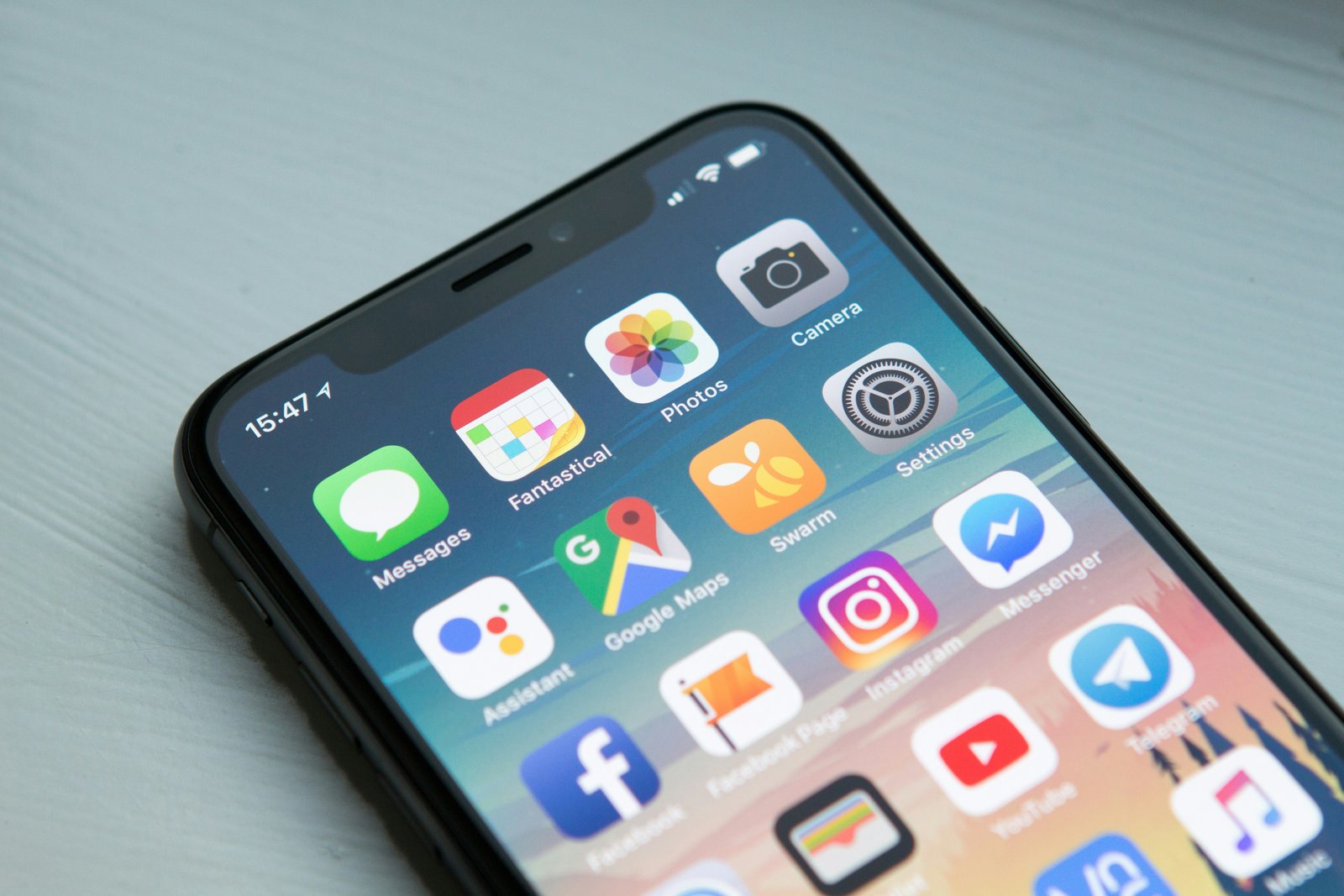
Your Pocket-Sized Security Risk
When marketing coordinator Sara connects her personal phone to the company network and installs a seemingly harmless app, she unknowingly opens a door that puts her entire organization's data at risk. This scenario explores how everyday mobile habits can become enterprise-level security disasters.
When marketing coordinator Sara connects her personal phone to the company network and installs a seemingly harmless app, she unknowingly opens a door that puts her entire organization's data at risk. This scenario explores how everyday mobile habits can become enterprise-level security disasters.
Sara had been with Meridian Financial for just over a year, and she was proud of how quickly she had settled in. Her desk was neat, her deadlines were met, and her phone — a sleek personal Android she had owned for three years — was practically glued to her hand from 8 a.m. to 6 p.m.
Nobody had ever told her that was a problem.
On a Tuesday morning in March, the office Wi-Fi felt sluggish, so Sara did what felt completely natural: she connected her personal phone to the corporate network using the guest credentials pinned on the kitchen bulletin board. She needed to download a new PDF scanner app she had seen advertised on social media — DocuScan Pro — so she could digitize paper receipts for a campaign expense report.
The app was free. It had a four-star rating and over 50,000 downloads. It looked legitimate.
During installation, a permissions screen appeared. Sara tapped through it quickly, the way most people do.
"Allow DocuScan Pro to access your contacts, microphone, camera, location, and files?"
She pressed Allow All without a second thought. She had a meeting in four minutes.
What Sara did not know was that DocuScan Pro was a repackaged application — a clone of a legitimate tool, uploaded to a third-party app store she had accessed through a social media ad. Buried inside its code was a lightweight spyware module. Within hours of installation, the app had quietly harvested her contact list, read several email attachments stored in her downloads folder, and logged her connected Wi-Fi network credentials.
Because Sara's phone was now connected to Meridian's corporate network, that harvested data included something far more dangerous than her personal emails: it included the login credentials she had recently received via email for the company's new client portal — a portal containing financial records for over 200 business clients.
Three weeks later, Meridian's IT Security Manager, Daniel, called Sara into a small conference room. His expression was calm but serious.
"Sara, we've detected unusual login attempts on the client portal," he said, sliding a printed report across the table. "Several were successful. The access pattern traces back to a device that connected through our network in mid-March. Do you recognize this MAC address?"
Sara stared at the string of characters. Her stomach dropped.
"That's… that might be my phone," she said quietly.
What followed was two weeks of forensic investigation, a mandatory breach notification to affected clients, and an emergency audit of every personal device that had ever touched the corporate network. The cost — in IT hours, legal consultation, and client trust — ran into tens of thousands of dollars.
Sara was not fired. Daniel and HR agreed she had acted without malice and without any security training on the topic. But the experience shook her deeply.
"I thought it was just my personal phone," she told a colleague afterward. "I didn't think it had anything to do with work."
That was exactly the problem. In a world where our personal devices carry our work emails, connect to office networks, and store downloaded attachments, the line between "personal" and "professional" has effectively disappeared. Every app you install, every network you join, and every permission you approve on your personal device can have consequences that ripple far beyond your own screen.
Meridian responded by rolling out a formal Bring Your Own Device (BYOD) policy, requiring all personally-owned devices used for work to be registered, enrolled in mobile device management software, and kept updated. They also introduced mandatory security awareness training — starting, appropriately, with mobile threats.
Sara completed that training first. She now reads every permissions screen. Every single one.
- Read app permissions carefully: Before installing any app, review the permissions it requests. If a PDF scanner wants access to your microphone and contacts, that is a serious red flag. Only grant permissions that are necessary for the app's core function.
- Only download apps from official stores: Stick to the Apple App Store or Google Play Store. Third-party app stores and social media ad links carry a significantly higher risk of distributing malicious or repackaged apps.
- Never connect personal devices to corporate networks without authorization: Using shared or guest credentials to connect your personal device to the company network bypasses security controls and can expose organizational data. Always check your company's BYOD policy first.
- Understand that personal devices are not isolated: When your phone accesses work emails, stores attachments, or connects to corporate systems, it becomes part of your organization's security perimeter — whether IT knows about it or not.
- Report suspicious app behavior immediately: If an app behaves strangely — draining battery unusually fast, requesting unexpected updates, or accessing data in the background — report it to IT right away. Early detection limits damage significantly.
- Know your organization's BYOD policy: If your company allows personal devices for work, find out the rules. Enrollment in mobile device management (MDM), mandatory screen locks, and remote-wipe capabilities exist to protect everyone — including you.
Unlock This Scenario & Quiz
The Free plan includes 3 scenarios. Upgrade for full access to every scenario and quiz.
⬆️ View Plans